Skip to content
ScholarBell

Features

One job, done properly

Getting the right information to the right family and proving it arrived. Every feature below answers a real problem schools tell us about.

1. Parents say they didn't know
You can see who has read each announcement and who has acted on it. You have the record.
2. Wrong audience
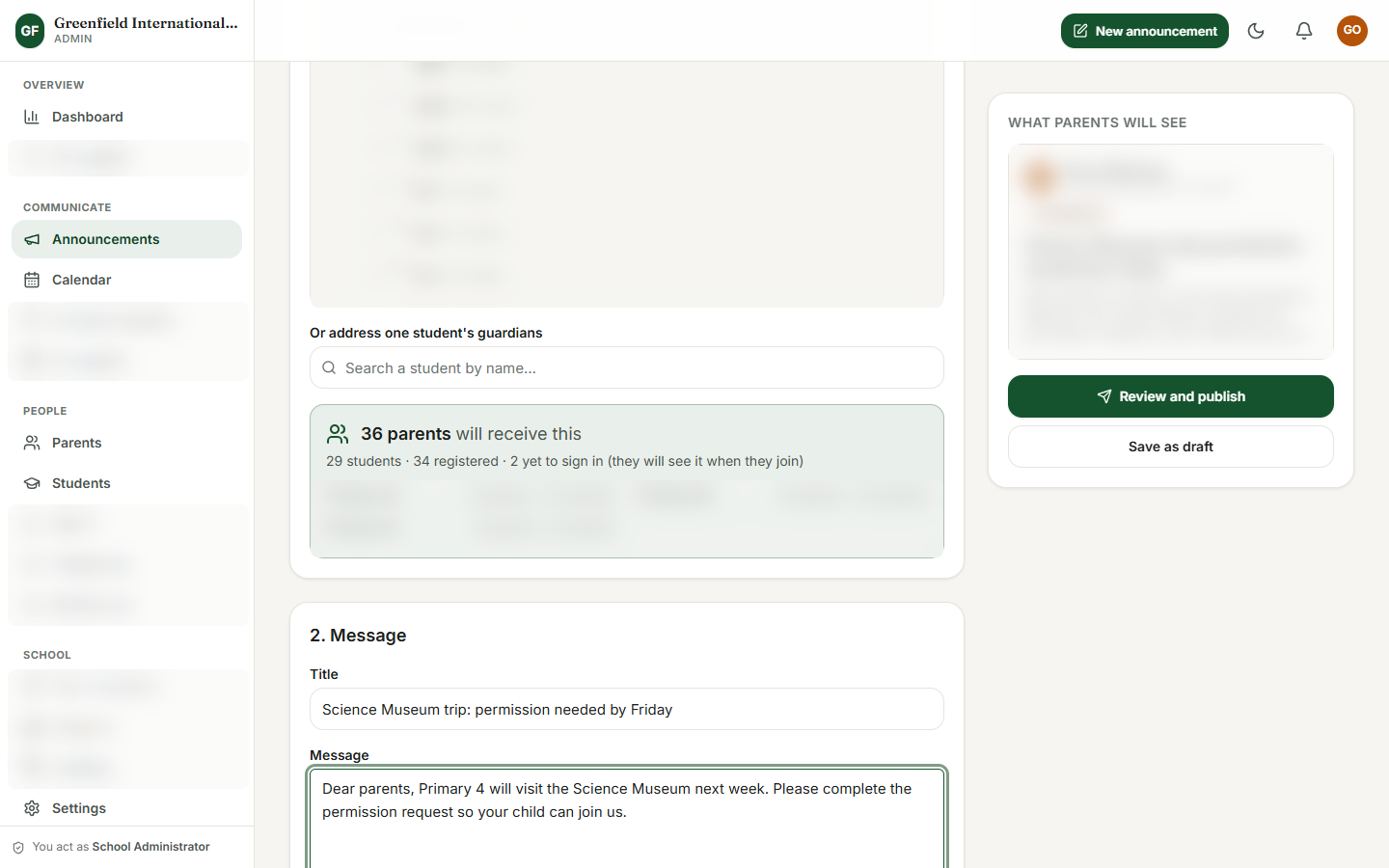
Every message reaches the right families, and you know how many before you publish.
3. WhatsApp group chaos
Official notices live in one secure place under the school's name, not on staff phones.
4. Slips never come back
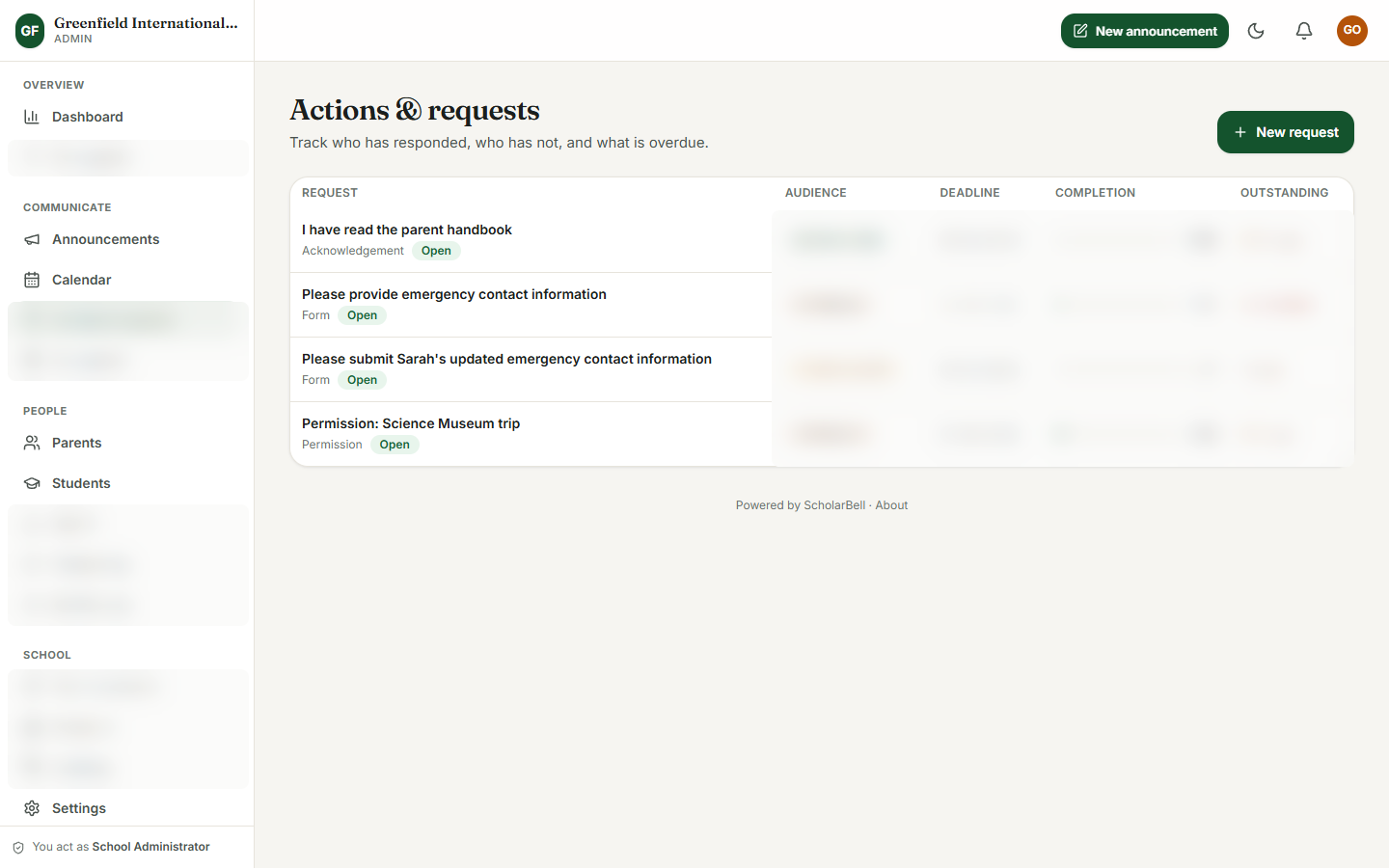
Permissions and forms are tracked, so you can see at a glance who has responded and who is outstanding.
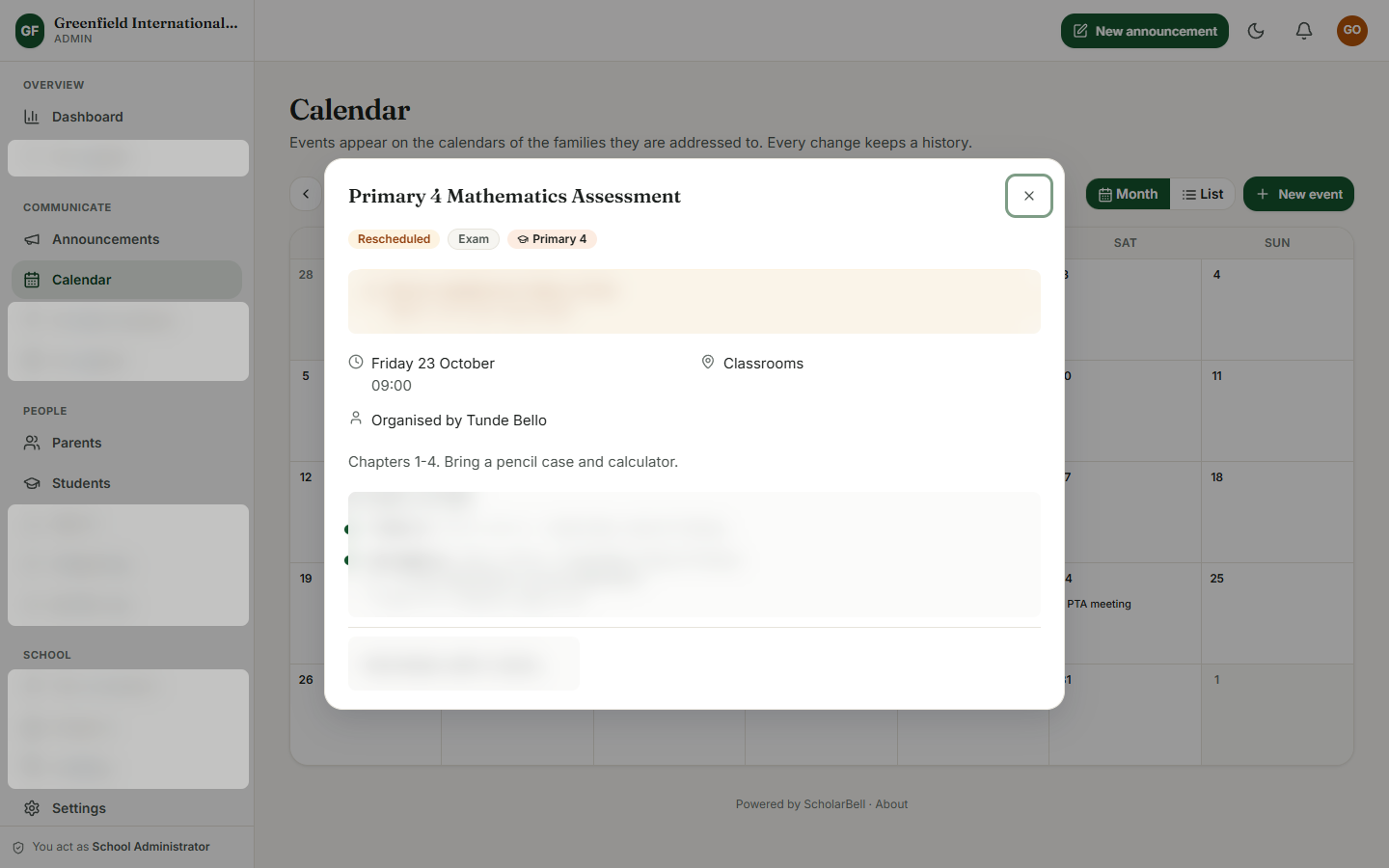
5. Moved events
The calendar remembers every change, so nobody is left on the old date.
6. One parent, many children
One family account. Each update is clearly labelled for the child it concerns.
7. Same questions all day
Circulars, forms and policies are easy for parents to find, and what needs attention comes first.
8. Uncontrolled access
Staff see only what their role needs, and sensitive actions are recorded.
The announcement composer showing how many parents will receive the message
The actions tracker, with details hidden
A calendar event, with details hidden

Looking for the problems these solve? See the nine signs

A term-aware parent home page

A home page that reflects your school's own term and your own voice. You edit all of it yourself.

Optional AI help, always under your control

Optional AI help for staff. It is off until your administrator switches it on, and staff always decide what is published.

A day in the life

Before and after

The principal publishes a trip notice

Before: Type the notice. Paste it into three WhatsApp groups and a printed circular. Wait. Phone the parents who haven't replied. Collect paper slips. Count them by hand.

With ScholarBell

  1. Write the notice and choose who it is for.
  2. Know how many parents will receive it before you publish.
  3. Ask for permission and add the trip to the calendar in the same flow.
  4. Publish, then watch the responses come in.
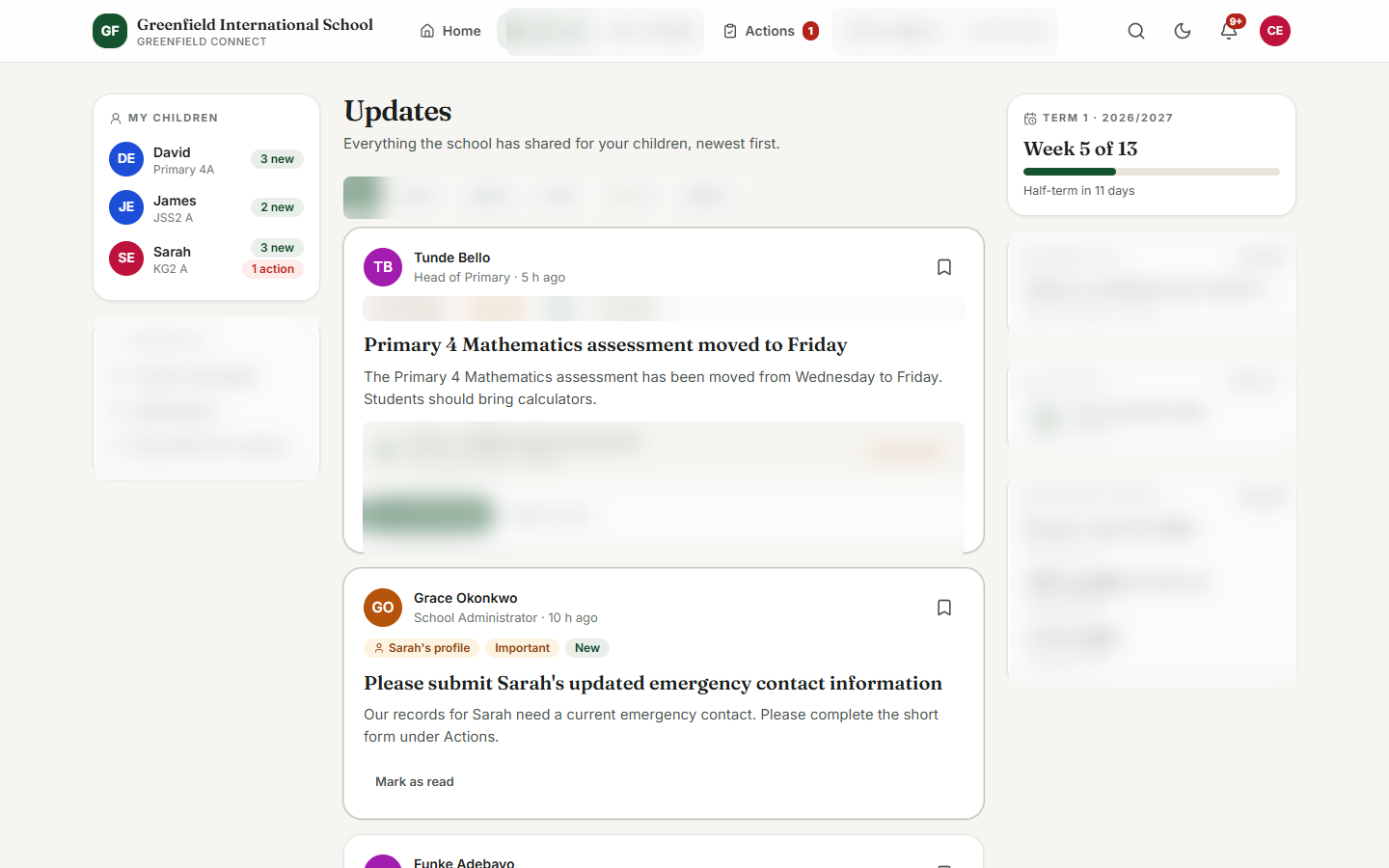
A parent with three children opens the app

Before: Three WhatsApp groups, two printed circulars in a school bag, and a message from last week she cannot find.

With ScholarBell

  1. One sign-in for the whole family.
  2. What needs her attention comes first.
  3. Every update is clearly labelled for the child it concerns.
  4. Dates and documents are easy to find.
The parent feed, with details hidden

Getting started

Simpler than you think

You do not need an IT team. We guide your administrator through each step.

  1. We create your school and your first administrator account.

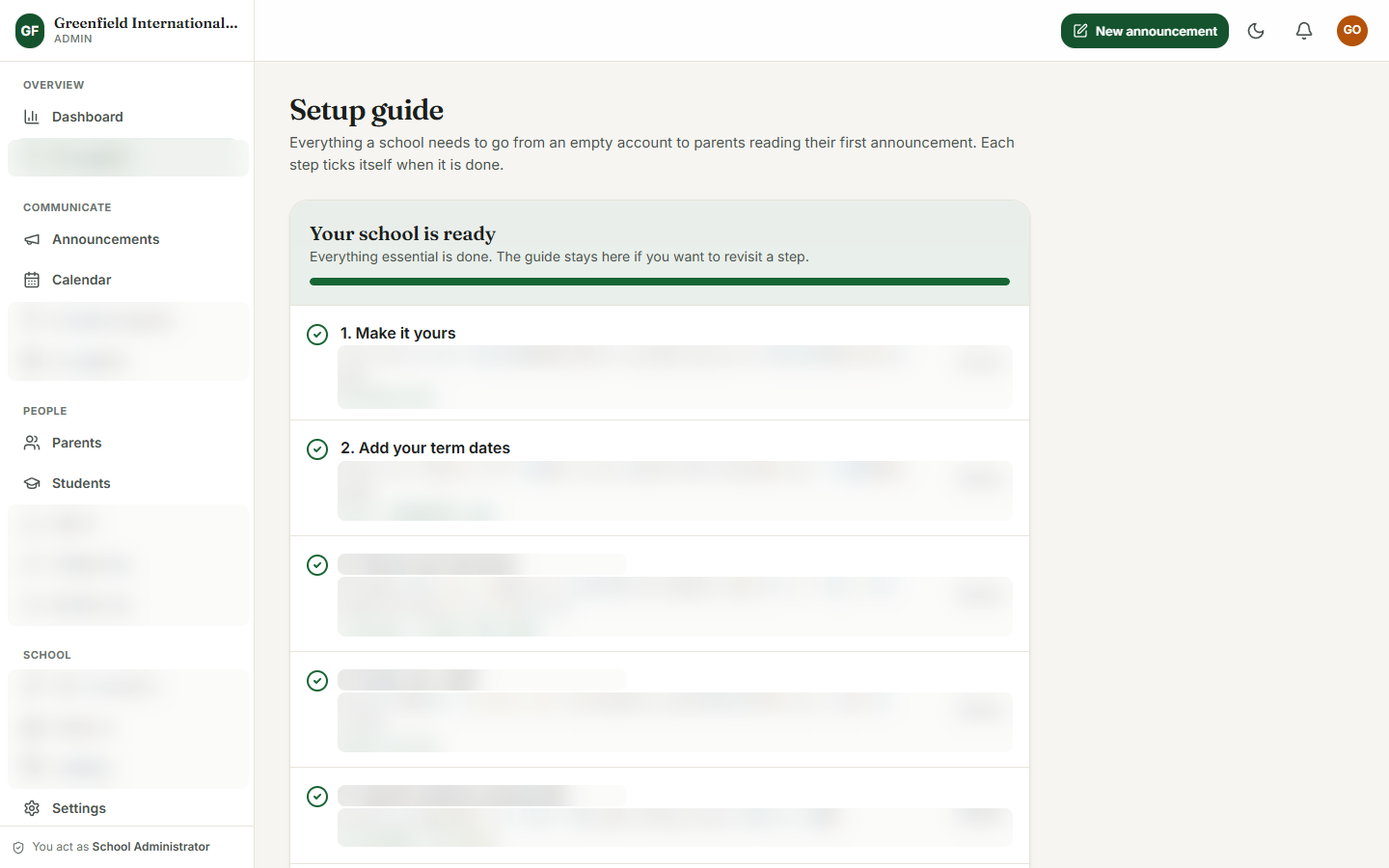
  2. Make it yours. Your school's name, colours and term dates.

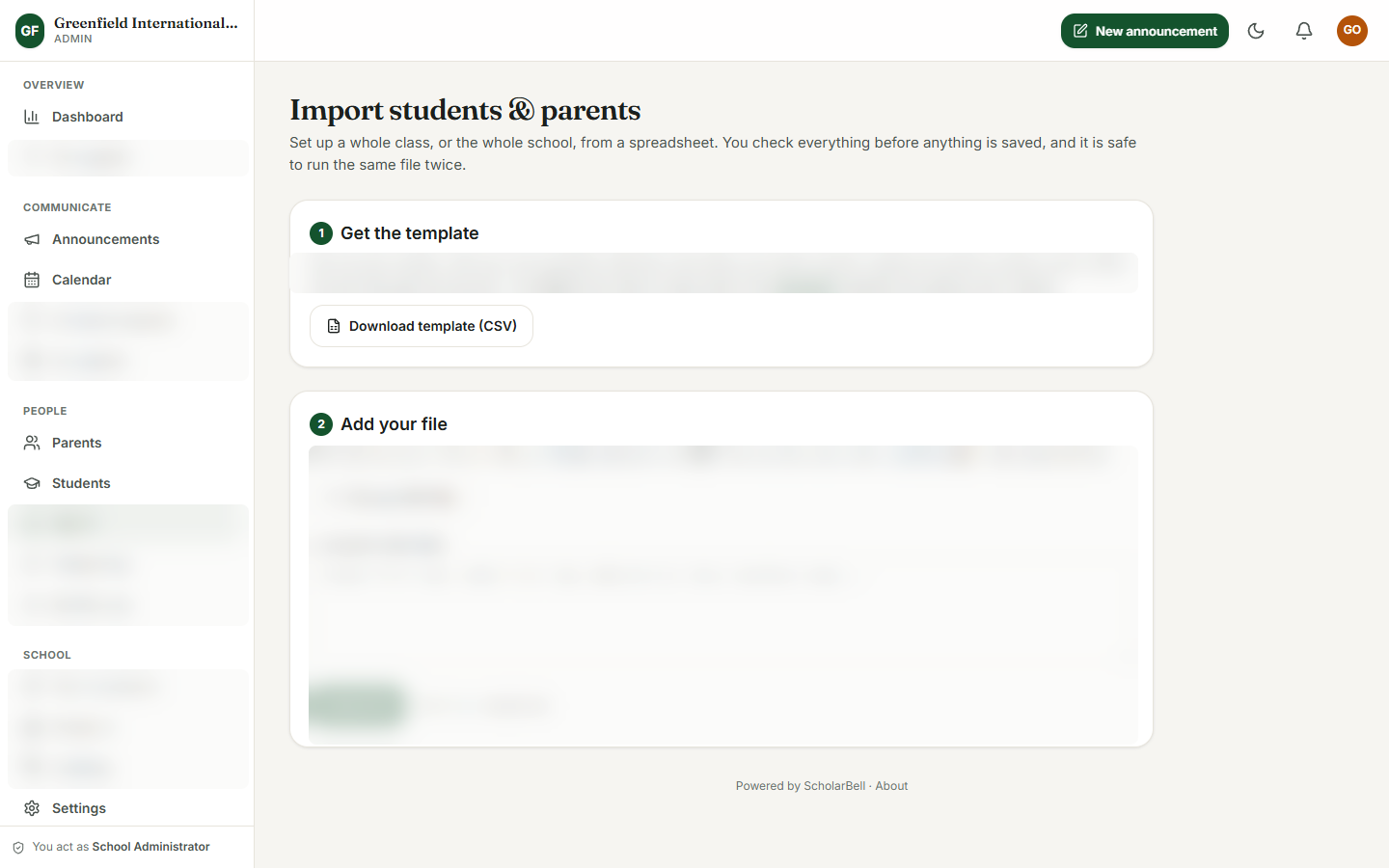
  3. Set up your structure and families. We guide you through bringing your classes and families across.

  4. Invite parents. Each parent receives a personal invitation by email or WhatsApp.

  5. Publish your first announcement.

The import page, with details hidden
The guided setup checklist, with details hidden

We'll walk you through the fix, not a sales pitch.

Tell us a little about your school and we will walk you through ScholarBell using a demo school that looks like yours.

See one message reach every parent, with proof it landed.

No pressure, no jargon. Thirty minutes, with a demo school that looks like yours.